
JOVIQ TECHNOLOGIES

UPSKILL YOUR FUTURE

Join us to explore our courses

Gain industry-ready skills with expert-led training and real-world projects.

Industry-RelevantCurriculum
Hands-onProjects
Expert-LedTraining
Join Us
All programs Mechanical & Civil

SolidWorks & Creo

3D modeling, assemblies, drawings, design validation, and portfolio work across SolidWorks and Creo.

Duration2 monthsLearning modeSoftware lab sessions with expert reviewOutcomeVerified certificate
Program overview

Build capability you can demonstrate, not just describe.

A combined CAD program focused on building accurate parts, assemblies, drawings, and design-ready mechanical portfolios using SolidWorks and Creo workflows.

Duration2 monthsLearning modeSoftware lab sessions with expert reviewLevelBeginnerReviewExpert reviewed
Domain Features

Domain Features

Everything you need - structured learning, real projects, expert support & certification.

Guided + Lesson Replays

Follow guided sessions and watch recordings anytime

  • Guided interactive sessions
  • Lesson replays
  • Industry-relevant curriculum

6 Months LMS Access

Access videos, files, quizzes & resources anytime

  • Complete materials
  • Self-paced learning
  • Extra downloadable files

Hands-on Projects

Work on real industry-level problems

  • Hands-on experience
  • Real-time projects
  • Personal expert support

Certification

Receive QR-verified certificate after completion

  • Industry-recognised
  • QR-verified certification
  • Includes capstone evaluations

Doubt Solving

Ask doubts anytime via LMS or chat

  • Expert-led doubt solving
  • Fast response time
  • Detailed explanations

Placement Support

Resume, interview prep & job assistance

  • Interview assistance
  • Placement support
  • Job readiness plan
Curriculum

A clear path from foundations to career proof.

Explore each module to see what you’ll learn.

3D part modelling and sketching

Explore sketch constraints, reference planes, and their practical applications.

  • Sketch constraints
  • Reference planes
  • Extrudes and revolves
  • Fillets and chamfers
  • Parametric dimensions

Assemblies, mates, and mechanical relationships

Explore component insertion, assembly mates, and their practical applications.

  • Component insertion
  • Assembly mates
  • Degrees of freedom
  • Interference detection
  • Exploded assembly views

Engineering drawings and detailing

Explore orthographic projections, section views, and their practical applications.

  • Orthographic projections
  • Section views
  • Dimension placement
  • Geometric tolerances
  • Bills of materials

Surface and advanced modelling techniques

Explore sweeps and lofts, surface trimming, and their practical applications.

  • Sweeps and lofts
  • Surface trimming
  • Boundary surfaces
  • Shell features
  • Multibody modelling

Design documentation and practical CAD workflows

Explore design configurations, drawing revision control, and their practical applications.

  • Design configurations
  • Drawing revision control
  • Material assignment
  • Mass properties
  • Manufacturing file exports

Creo interface, sketches, and parametric modelling

Explore creo workspace navigation, sketch constraints, and their practical applications.

  • Creo workspace navigation
  • Sketch constraints
  • Datum planes
  • Parametric dimensions
  • Model tree organization

Part design and feature-based modelling

Explore extrude features, revolve features, and their practical applications.

  • Extrude features
  • Revolve features
  • Hole creation
  • Feature patterns
  • Parent-child dependencies

Assemblies and component relationships

Explore component placement, assembly constraints, and their practical applications.

  • Component placement
  • Assembly constraints
  • Subassemblies
  • Clearance checks
  • Exploded states

Engineering drawings and design documentation

Explore drawing views, cross sections, and their practical applications.

  • Drawing views
  • Cross sections
  • Dimension annotations
  • Drawing formats
  • Parts lists

Practical mechanical design workflows in Creo

Explore design intent, family tables, and their practical applications.

  • Design intent
  • Family tables
  • Model regeneration
  • Engineering change updates
  • STEP export validation
Real-world projects

Real-World Hands-On Projects

Build strong industry-ready skills with practical experience.

1

Mechanical Part Design

A practical mechanical part design project focused on applying domain concepts to an industry-oriented use case.

View Details
Key Features
  • Parametric part features
  • Design intent
  • Material assignment
  • Configurations
  • Manufacturing drawing
Technologies
  • SolidWorks
  • Creo Parametric
  • FeatureManager
  • Sketcher
  • GD&T
2

Gearbox Assembly

A practical gearbox assembly project focused on applying domain concepts to an industry-oriented use case.

View Details
Key Features
  • Gear train components
  • Assembly mates
  • Motion relationships
  • Interference checks
  • BOM generation
Technologies
  • SolidWorks
  • Creo
  • Assembly Mates
  • Motion Study
  • BOM
3

Automotive Component Model

A practical automotive component model project focused on applying domain concepts to an industry-oriented use case.

View Details
Key Features
  • Automotive component geometry
  • Parametric surfaces
  • Assembly fit
  • Drawing views
  • Design revisions
Technologies
  • Creo Parametric
  • SolidWorks
  • Surface Modelling
  • Assemblies
  • GD&T
4

Sheet Metal Product Design

A practical sheet metal product design project focused on applying domain concepts to an industry-oriented use case.

View Details
Key Features
  • Sheet metal features
  • Bend allowance
  • Flat pattern
  • Enclosure assembly
  • Manufacturing documentation
Technologies
  • SolidWorks Sheet Metal
  • Creo Sheetmetal
  • Flat Pattern
  • Bend Tables
5

Machine Fixture Design

A practical machine fixture design project focused on applying domain concepts to an industry-oriented use case.

View Details
Key Features
  • Fixture components
  • Locating scheme
  • Clamping features
  • Assembly validation
  • Manufacturing drawings
Technologies
  • SolidWorks
  • Creo
  • Assembly Mates
  • Hole Wizard
  • GD&T
6

Product Enclosure Design

A practical product enclosure design project focused on applying domain concepts to an industry-oriented use case.

View Details
Key Features
  • Enclosure geometry
  • Snap-fit features
  • Wall thickness
  • Mounting details
  • Assembly documentation
Technologies
  • SolidWorks
  • Creo
  • Shell
  • Draft
  • Configurations
  • Engineering Drawings
Expert guidance

Review from someone who understands the work.

Mechanical design expert with CAD portfolio experience
Live guidance, project reviews, doubt support, and interview feedback.
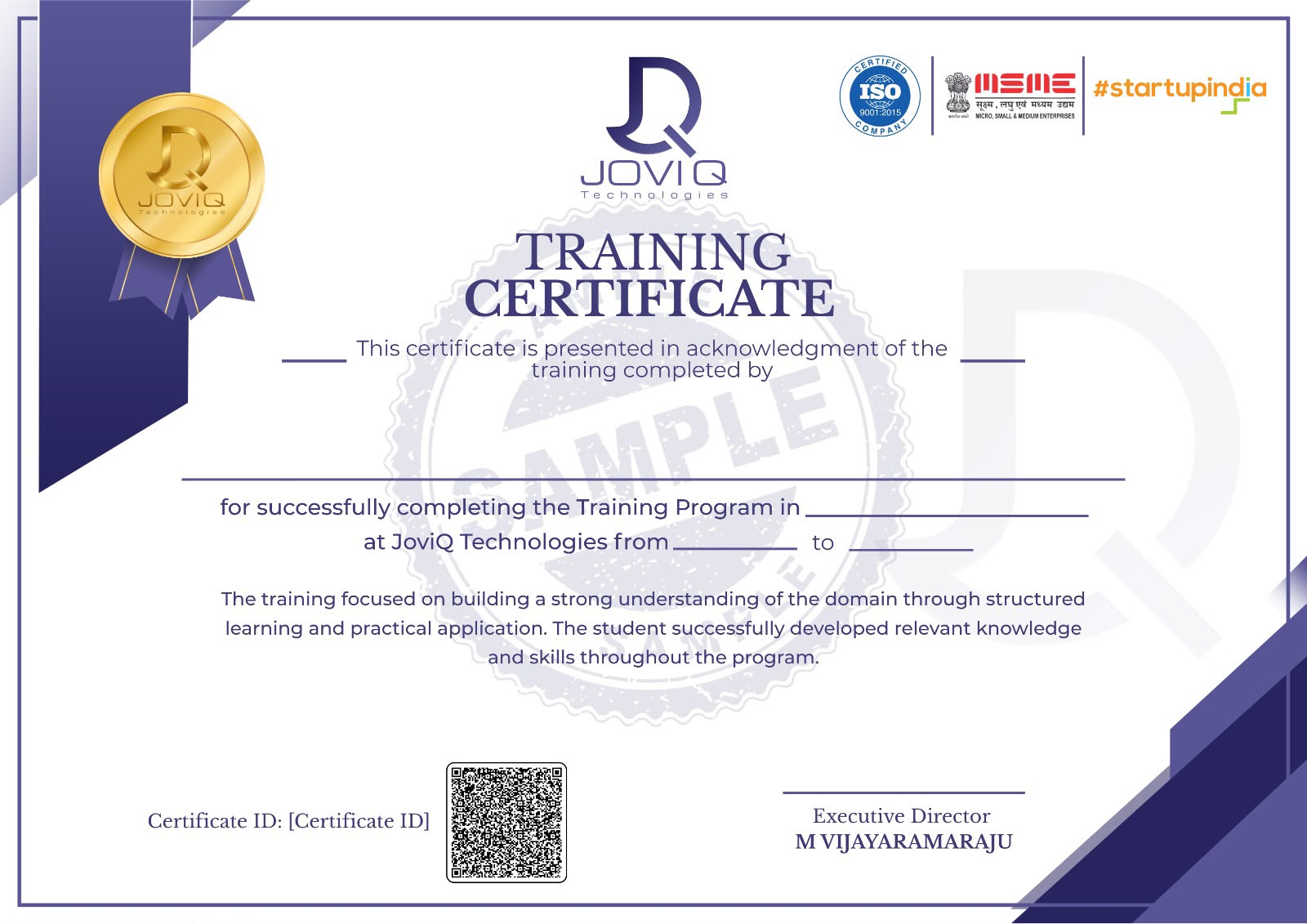
Joviq Technologies training certificate
Career outcomes

Know where this program can take you.

CAD designer trainee Mechanical design intern Product design assistant Drafting associate
Interview preparation

Practice explaining the decisions behind your work.

  • CAD command practice
  • Drawing interpretation
  • Portfolio explanation
  • Design intent questions
Program plans

Choose the support level that fits your goal.

Every plan provides structured learning and certification. Upgrade when you want deeper expert review.

LaunchStrong start
INR 7,999
  • 16 Live Sessions
  • Recorded Lessons
  • Hands-on Learning
  • Real-Time Project
  • Doubt-Solving Support
  • Basic Expert Support
  • Interview Assistance
  • 6 Months LMS Access
  • QR-Verified Certification
Reserve with INR 1,500
MasteryMaximum support
INR 14,999

Everything in Elevate, plus

  • 28 Live Sessions
  • Recorded Lessons
  • Advanced Hands-on Learning
  • Multiple Real-Time Projects
  • Personal Expert Support
  • Detailed Expert Review
  • Doubt-Solving Support
  • Advanced Interview Preparation
  • Placement Assistance & Support
  • Career Guidance
  • 6 Months LMS Access
  • QR-Verified Certification
Reserve with INR 1,500
FAQ

Questions before you enroll.

Clear answers about eligibility, projects, certification, and learner guidance.

Will I get a certificate?+

Yes. Learners receive a Joviq completion certificate after finishing required project work and reviews.

Are projects included?+

Yes. This program includes six real-world projects with domain-specific features and tools.

Is placement support included?+

Career guidance, resume review, mock interviews, and interview preparation are included in the career track.

Enroll now

Start your SolidWorks & Creo journey.

Choose your level, share your details, and reserve your place or pay in full securely. Full access lasts six months after verification.

No hidden plan features
Guided onboarding
Secure LMS access
Selected planElevateINR 9,999 full plan
Register with your name, phone, email, and college. Then choose a seat token or pay the full plan amount securely.
SolidWorks & Creo · UPI, UPI QR, cards, and net banking supported by the payment gateway.