JOVIQ TECHNOLOGIES

UPSKILL YOUR FUTURE

Join us to explore our courses

Gain industry-ready skills with expert-led training and real-world projects.

Industry-RelevantCurriculum
Hands-onProjects
Expert-LedTraining
Join Us
All programs Computer Science & IT

UI/UX Design

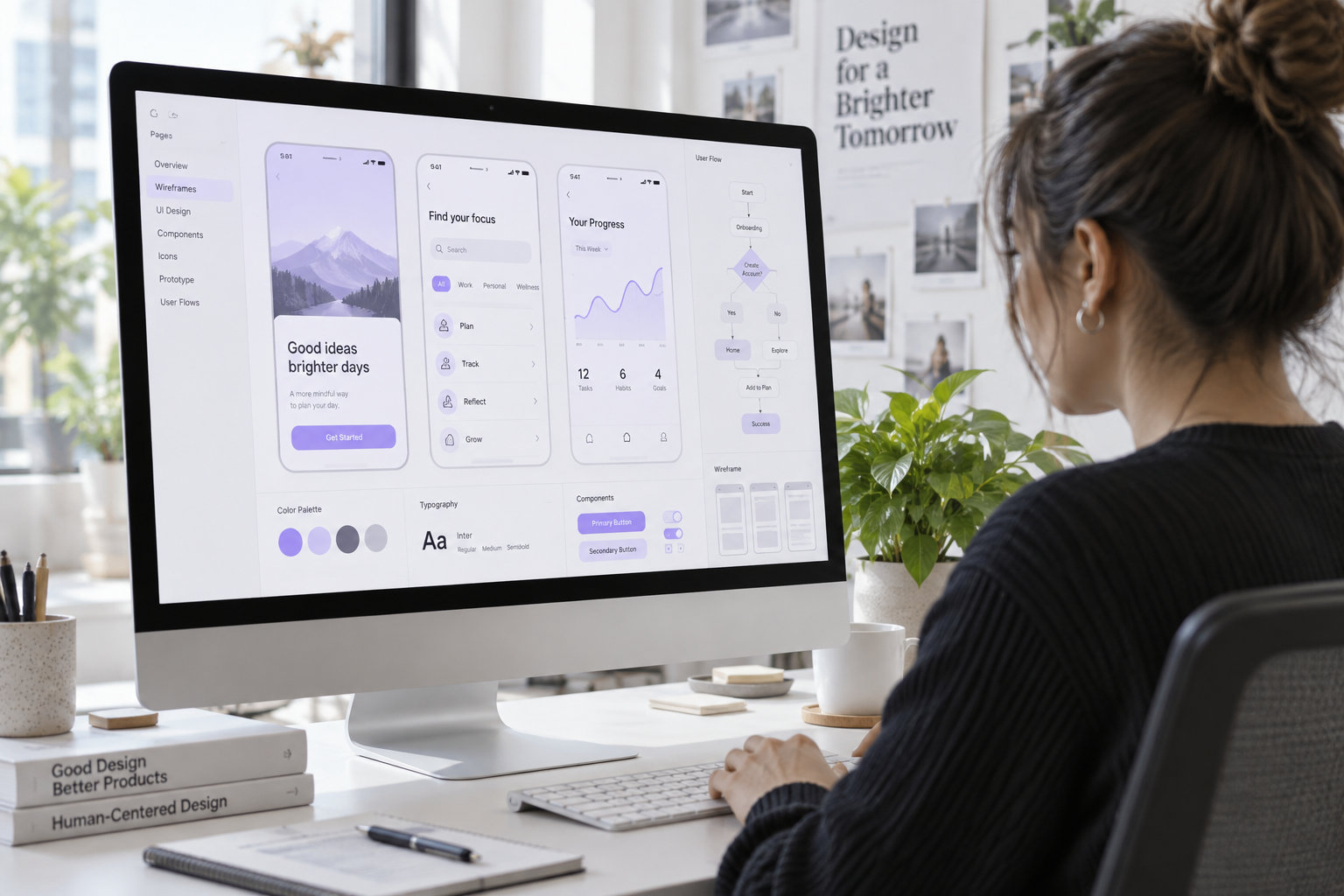
Design clear digital experiences through user research, wireframes, prototypes, and visual systems.
  • Duration2 months
  • LevelBeginner
  • OutcomeVerified certificate
Live expert-led online classes with design labsLearning mode
6 real projectsPortfolio-ready work
5 modulesStep-by-step path
Program overview

Build capability you can demonstrate, not just describe.

A practical UI/UX design program covering user research, information architecture, interaction design, visual design, prototyping, and portfolio-ready case studies.

Duration2 monthsLearning modeLive expert-led online classes with design labsLevelBeginnerReviewExpert reviewed
Skills you’ll build

Tools and skills you’ll use on real work.

  • User research
  • Wireframing
  • Interaction design
  • Visual design
  • Prototyping
  • Design systems

Guided + Lesson Replays

Follow guided sessions and watch recordings anytime

  • Guided interactive sessions
  • Lesson replays
  • Industry-relevant curriculum

6 Months LMS Access

Access videos, files, quizzes & resources anytime

  • Complete materials
  • Self-paced learning
  • Extra downloadable files

Hands-on Projects

Work on real industry-level problems

  • Hands-on experience
  • Real-time projects
  • Personal expert support

Certification

Receive QR-verified certificate after completion

  • Industry-recognised
  • QR-verified certification
  • Includes capstone evaluations

Doubt Solving

Ask doubts anytime via LMS or chat

  • Expert-led doubt solving
  • Fast response time
  • Detailed explanations

Placement Support

Resume, interview prep & job assistance

  • Interview assistance
  • Placement support
  • Job readiness plan
Curriculum

A clear path from foundations to career proof.

Explore each module to see what you’ll learn.

5 modules25 lessons6 projects
  1. 01

    User research and problem definition

    Understand users and turn research into a clear design problem.

    • Research objectives
    • Interview guides
    • Usability observations
    • Affinity mapping
    • Problem statements
  2. 02

    Information architecture and user journeys

    Organize content and map how users complete key tasks.

    • Content inventories
    • Card sorting
    • Navigation hierarchy
    • Task flows
    • Journey maps
  3. 03

    Wireframing and interaction design

    Translate user flows into screens and meaningful interactions.

    • Low-fidelity wireframes
    • Layout hierarchy
    • Form interactions
    • Error and empty states
    • Responsive screen patterns
  4. 04

    Visual design and interactive prototypes

    Create consistent interfaces and testable prototypes in Figma.

    • Typography scales
    • Accessible color contrast
    • Reusable components
    • Auto Layout
    • Prototype transitions
  5. 05

    Usability testing and design handoff

    Validate design decisions and prepare clear implementation guidance.

    • Task-based usability tests
    • Participant feedback synthesis
    • Design iteration
    • Developer specifications
    • Portfolio case studies
Real-world projects

Real-World Hands-On Projects

Build strong industry-ready skills with practical experience.

Project 1

EdTech Mobile App UX

A practical edtech mobile app ux project focused on applying domain concepts to an industry-oriented use case.

View details Key features
  • Student onboarding flow
  • Course discovery
  • Learning dashboard
  • Mobile navigation
  • Accessibility checks
Technologies
FigmaFigJamAuto LayoutInteractive PrototypesWCAG checklist
Project 2

E-Commerce Website Redesign

A practical e-commerce website redesign project focused on applying domain concepts to an industry-oriented use case.

View details Key features
  • Usability audit
  • Navigation redesign
  • Product search flow
  • Checkout improvements
  • Responsive layouts
Technologies
FigmaFigJamAuto LayoutPrototypingDesign Tokens
Project 3

Student Dashboard Design

A practical student dashboard design project focused on applying domain concepts to an industry-oriented use case.

View details Key features
  • Course progress visualization
  • Task hierarchy
  • Notification patterns
  • Responsive dashboard
  • Usability validation
Technologies
FigmaComponentsVariantsAuto LayoutPrototypeFigJam
Project 4

FinTech App Experience

A practical fintech app experience project focused on applying domain concepts to an industry-oriented use case.

View details Key features
  • Secure payment flow
  • Transaction states
  • Account management
  • Error handling
  • Accessibility considerations
Technologies
FigmaAuto LayoutComponentsPrototypingDesign System
Project 5

Healthcare Appointment Interface

A practical healthcare appointment interface project focused on applying domain concepts to an industry-oriented use case.

View details Key features
  • Appointment booking journey
  • Calendar states
  • Form validation
  • Confirmation flow
  • Accessibility review
Technologies
FigmaAuto LayoutVariantsPrototypingFigJamWCAG
Project 6

Job Portal UX Case Study

A practical job portal ux case study project focused on applying domain concepts to an industry-oriented use case.

View details Key features
  • Job discovery journey
  • Search/filter UX
  • Application flow
  • Candidate dashboard
  • Usability findings
Technologies
FigmaFigJamAuto LayoutPrototypingComponents
Expert guidance & certification

Review from someone who understands the work.

Product designer with user research and digital product experience
  • Live guidance, project reviews, doubt support, and interview feedback.
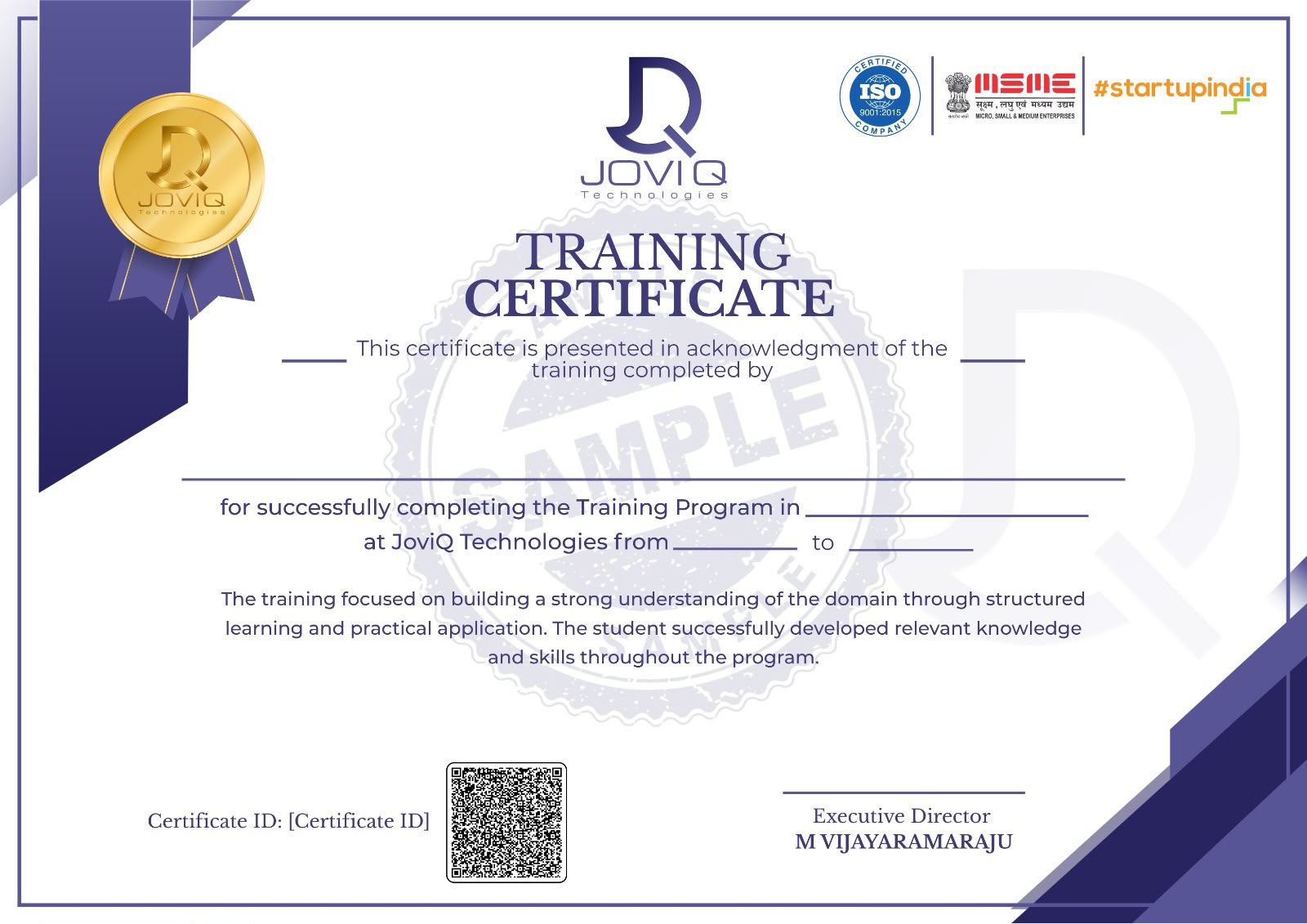
  • UI/UX Design Certification
Training CertificateJoviq Technologies training certificate
Career outcomes

Know where this program can take you.

  • UI/UX design intern
  • Junior product designer
  • UX researcher trainee
  • Visual designer
Interview preparation

Practice explaining the decisions behind your work.

  • Portfolio walkthrough
  • Design critique practice
  • UX scenario questions
  • Case study presentation
Program plans

Choose the support level that fits your goal.

Every plan provides structured learning and certification. Upgrade when you want deeper expert review.

Launch

Strong start
INR 7,999
  • 16 Live Sessions
  • Recorded Lessons
  • Hands-on Learning
  • Real-Time Project
  • Doubt-Solving Support
  • Basic Expert Support
  • Interview Assistance
  • 6 Months LMS Access
  • QR-Verified Certification
Reserve with INR 1,500

Mastery

Maximum support
INR 14,999

Everything in Elevate, plus

  • 28 Live Sessions
  • Recorded Lessons
  • Advanced Hands-on Learning
  • Multiple Real-Time Projects
  • Personal Expert Support
  • Detailed Expert Review
  • Doubt-Solving Support
  • Advanced Interview Preparation
  • Placement Assistance & Support
  • Career Guidance
  • 6 Months LMS Access
  • QR-Verified Certification
Reserve with INR 1,500
FAQ

Questions before you enroll.

Clear answers about eligibility, projects, certification, and learner guidance.

Ask an advisor
Will I get a certificate?

Yes. Learners receive a Joviq completion certificate after finishing required project work and reviews.

Are projects included?

Yes. This program includes six real-world projects with domain-specific features and tools.

Is placement support included?

Career guidance, resume review, mock interviews, and interview preparation are included in the career track.

Enroll now

Start your UI/UX Design journey.

Choose your level, share your details, and reserve your place or pay in full securely. Full access lasts six months after verification.

  • No hidden plan features
  • Guided onboarding
  • Secure LMS access
Selected planElevateINR 9,999 full plan
Register with your name, phone, email, and college. Then choose a seat token or pay the full plan amount securely.
UI/UX Design · UPI, UPI QR, cards, and net banking supported by the payment gateway.